
JoyFun AI Undress Generator
Create private clothing-removal edits, lingerie swaps, and follow-up motion clips with accurate lighting match, skin texture continuity, and browser-based privacy.
Clean Wardrobe-Removal & Boudoir Refinement Flow
Searching joyfun ai undress or ai photo undress joyfun usually reflects two goals: a clean natural still first, then optionally bringing that edit into short video motion.
Choose Well-Lit Reference Framing
Full-torso or three-quarter shots with minimal arms crossing the waist produce cleaner anatomical seams and accurate skin tone matching.
Specify Lighting & Wardrobe State
Be explicit whether you want minimal sheer lace, bikini swap, or completely nude boudoir while keeping ambient bedroom shadows untouched.
Animate Edited Stills Optionally
Send the final high-resolution still straight into the JoyFun video workspace to add subtle breathing, posture turn, or camera glide.
Natural Shadows & Anatomy Over Cheap Sticker Pastes
Old undress wrappers smear plastic skin textures across clothing boundaries. Modern diffusion image-to-image + uncensored routing re-synthesizes collarbone shadows, hip contours, and bedsheet creases to match the room.
Always keep denoise balanced so face identity, hairstyle, and background decor remain completely recognizable.
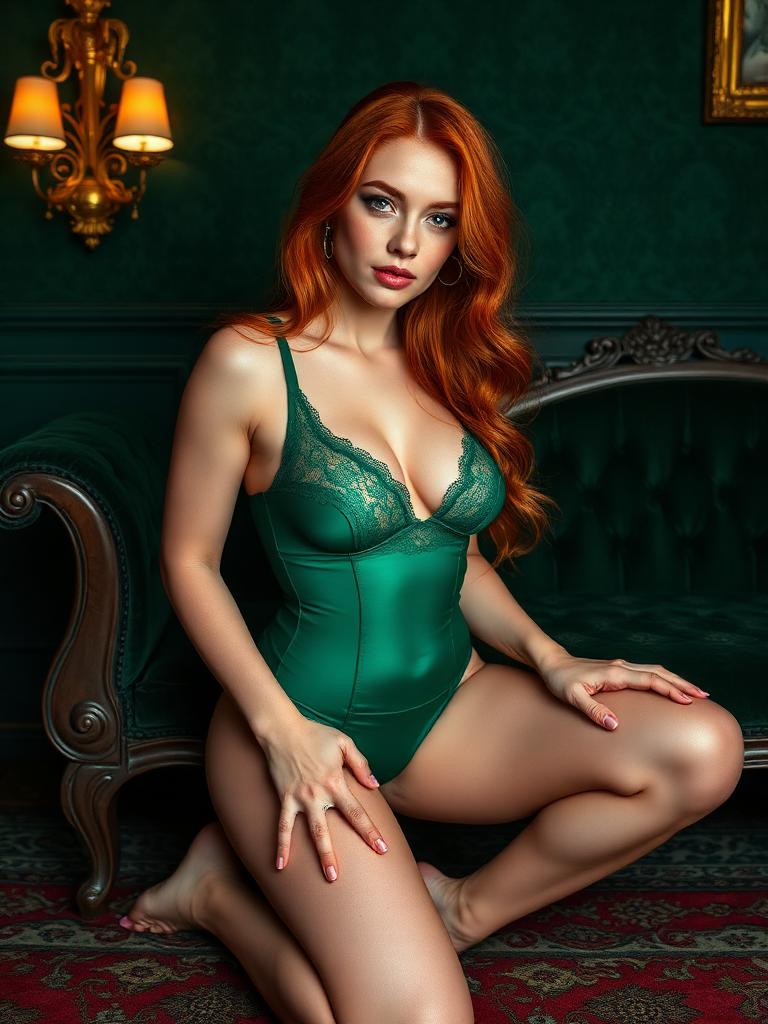
Sheer Lace Swap
Keep exact face, hair, and bedroom backdrop; replace outer jacket with delicate sheer black lace lingerie, warm natural skin lighting, sharp editorial focus.

Silk Robe Reveal Clip
Five-second video from input still: adult model slowly lets silk robe slip off shoulders while looking playfully toward lens, warm twilight room light.
Wardrobe Swap vs Full Undress Settings Matrix
| Preset Intent | Recommended Mode | Key Prompt Detail | Risk Check |
|---|---|---|---|
| Sheer lace / bikini transition | Image-to-Image (0.50) | Fabric transparency, clasp placement, skin warmth | Strict adult-only subject |
| Full nude boudoir still | Uncensored Image Lane | Natural proportions, soft specular skin highlights | Avoid cluttered foreground arms |
| Animated undress / pose reveal | Image -> Video Clip | Slow strap slide or robe drop with steady face | Keep clip 5s for limb stability |
Targeted Undress & Lingerie Swap Prompts
Sheer Lace Swap
Keep exact face, hair, and bedroom backdrop; replace outer jacket with delicate sheer black lace lingerie, warm natural skin lighting, sharp editorial focus.
Silk Robe Reveal Clip
Five-second video from input still: adult model slowly lets silk robe slip off shoulders while looking playfully toward lens, warm twilight room light.
Sunlit Minimalist Portrait
Photorealistic nude artistic study seated by sunlit window, natural anatomical shadows, crisp skin detail, calm relaxed expression, zero distortion.
Frequently Asked Questions
Common questions about JoyFun AI Undress Generator workflows.
How do I get realistic skin tone matching in JoyFun AI undress edits?
Mention the exact ambient light color—such as cool daylight window or warm bedside lamp—so generated skin highlights match existing facial tones.
Can I turn an undressed photo into an animated video?
Yes, once the still looks sharp, switch to the video tab inside the same workbench and attach your result as the start frame.
Are uploaded images shared anywhere publicly?
No. Uploads and generated results remain strictly inside your private account workspace unless you choose to export them.
Is there a Spanish guide for JoyFun undress?
Yes—visit our Spanish companion guide at /es/joyfun-ai-undress-generator for localized prompts and tips.
Explore Related JoyFun AI Workflows
Connect this tool cleanly with matching generators, prompt guides, and pricing.