
JoyFun AI Dance Video Generator
Bring static outfits and character poses to life with rhythmic shoulder grooves, playful spins, and fluid fabric movement in clean vertical clips.
How to Frame Photos for Smooth AI Dance Motion
Dance animation fails most often when tight headshot crops force the model to invent missing hips or feet. Proper full-torso framing prevents glitches.
Leave Headroom & Hip Margin
Choose a three-quarter or full-body photo with space on both left and right edges so arm choreography never clips outside the frame.
Pick One Clear Dance Groove
Describe gentle hip sway, playful shoulder pop, or slow twirl instead of chaotic breakdancing turns that hide the face.
Anchor Camera Stability
Use locked tripod or subtle vertical push-in cues so background walls stay crisp while the dancer moves rhythmically.
Keeping Fabric Physics & Footing Consistent in Motion
Creators searching joyfun ai dance video generator want lively TikTok/Reels-style loops and playful private character dances without limb melting. Pairing solid floor lines and clear shoe or knee visibility keeps motion grounded.
Short 5-second beat phrases loop effortlessly and render faster than overly crowded multi-cut choreography.
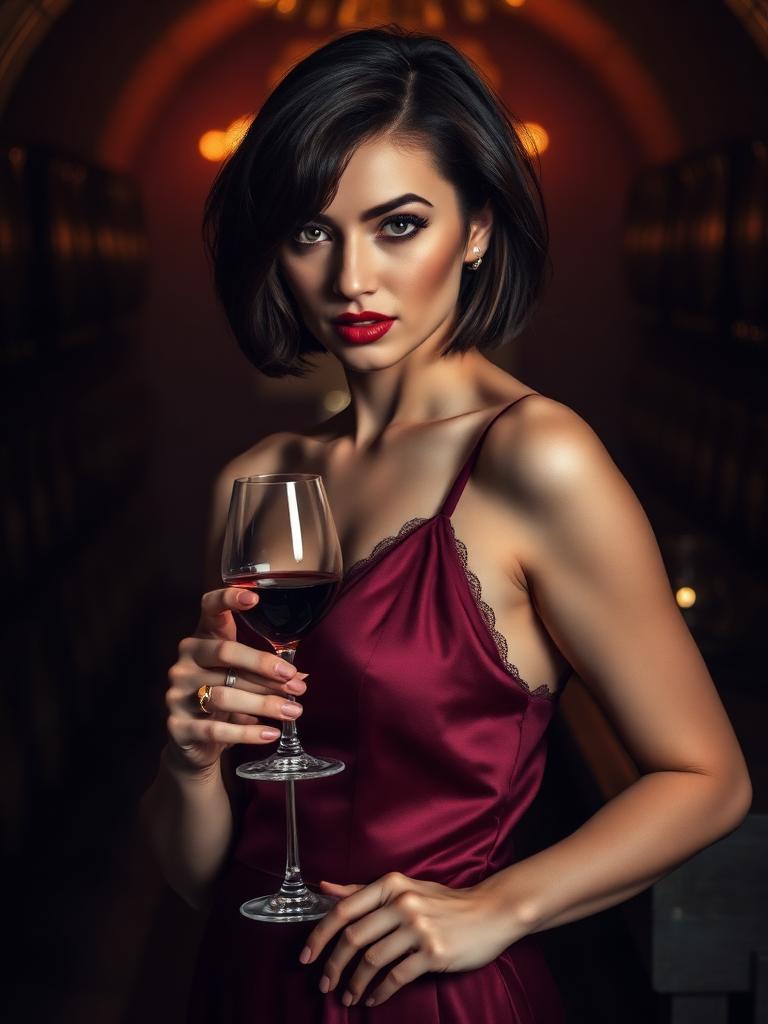
Club Spotlight Groove
Three-quarter shot standing woman gently dancing to steady beat, subtle rhythmic hip and shoulder sway, smiling eye contact, magenta ambient club glow, steady camera.
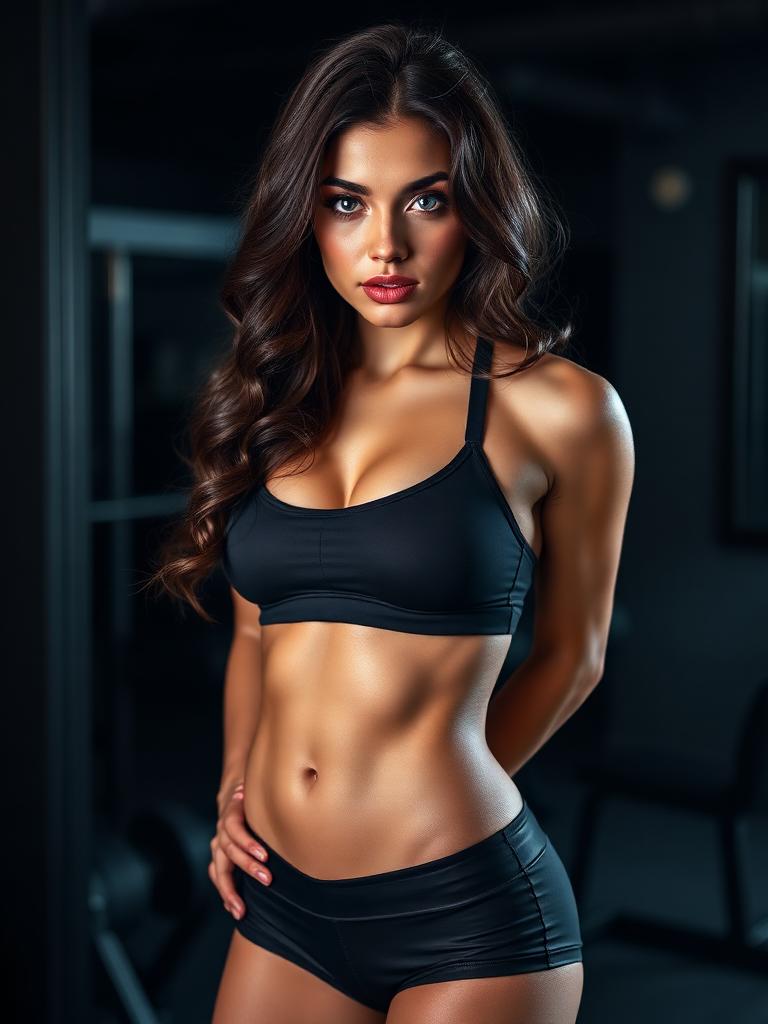
Sunny Terrace Twirl
Full-body vertical frame, playful slow spin letting pleated skirt flow outward, hair lifting lightly in breeze, golden afternoon light, smooth 24fps cadence.
Framing & Cue Cheat Sheet for Dance Clips
| Dance Style | Best Framing | Camera Instruction | Lighting Tip |
|---|---|---|---|
| Playful upper-body groove | Waist-up 9:16 portrait | Steady eye-level tripod shot | Bright soft ring or neon rim light |
| Slow dress twirl | Full body with margin | Slight slow pull-back pan | Backlight catches skirt fabric edges |
| Bedroom rhythm sway | Knee-up casual pose | Static warm handheld feel | Tungsten lamp warmth, clear face |
Dance Clip Prompt Templates Ready to Copy
Club Spotlight Groove
Three-quarter shot standing woman gently dancing to steady beat, subtle rhythmic hip and shoulder sway, smiling eye contact, magenta ambient club glow, steady camera.
Sunny Terrace Twirl
Full-body vertical frame, playful slow spin letting pleated skirt flow outward, hair lifting lightly in breeze, golden afternoon light, smooth 24fps cadence.
Bedroom Music Sway
Knee-up candid indoor frame, subject moving playfully to headphones music, relaxed arms raised slightly, warm bedside lamp glow, consistent face lock.
Frequently Asked Questions
Common questions about JoyFun AI Dance Video Generator workflows.
Why do cropped selfies glitch in an AI dance video generator?
When hips and elbows are missing from the source image, the model guesses off-screen anatomy. Using waist-up or knee-up shots fixes almost all distortion.
Can I generate adult or lingerie dance loops?
Yes, JoyFun supports private swimwear, clubwear, and boudoir dance clips inside adult-friendly model workflows.
Which aspect ratio looks best for dance clips?
9:16 vertical framing maximizes body height for standing choreography and fits mobile playback naturally.
How long should a dance prompt be?
One clear groove style, one facial vibe, and a steady camera direction outperform huge walls of conflicting motion adjectives.
Explore Related JoyFun AI Workflows
Connect this tool cleanly with matching generators, prompt guides, and pricing.