
JoyFun AI Image to Image Generator
Re-render existing portraits, anime frames, or concept snapshots into cohesive photoreal lighting, stylized costumes, and clean composition upgrades.
Three-Step Image-to-Image Transformation Pipeline
Image-to-image outperforms pure text-to-image whenever composition geometry, hand placement, or gaze angle already works and only look-dev needs an upgrade.
Lock Composition Geometry
Drop your baseline sketch, cosplay snapshot, or AI draft into the reference slot so pose silhouette anchors the diffusion pass.
Adjust Denoise Balance
Dial low denoise (0.35–0.45) to sharpen textures and lighting, or push to 0.65 when swapping wardrobe materials and backdrops.
Hand Off Ready Stills to Video
Save the cleanest transformed still directly to your works history, then feed it into image-to-video for consistent animation.
Keeping Identity Sharp Across Image-to-Image Iterations
Most artifacts in img2img transformations happen when prompt instructions contradict the input photo lighting. Describing the existing light direction—such as rim light from behind or soft overcast fill—keeps shadows natural.
Users searching joyfun image to image also rely on multi-pass refinement: run an initial global style pass first, then tighten details with localized prompt cues.
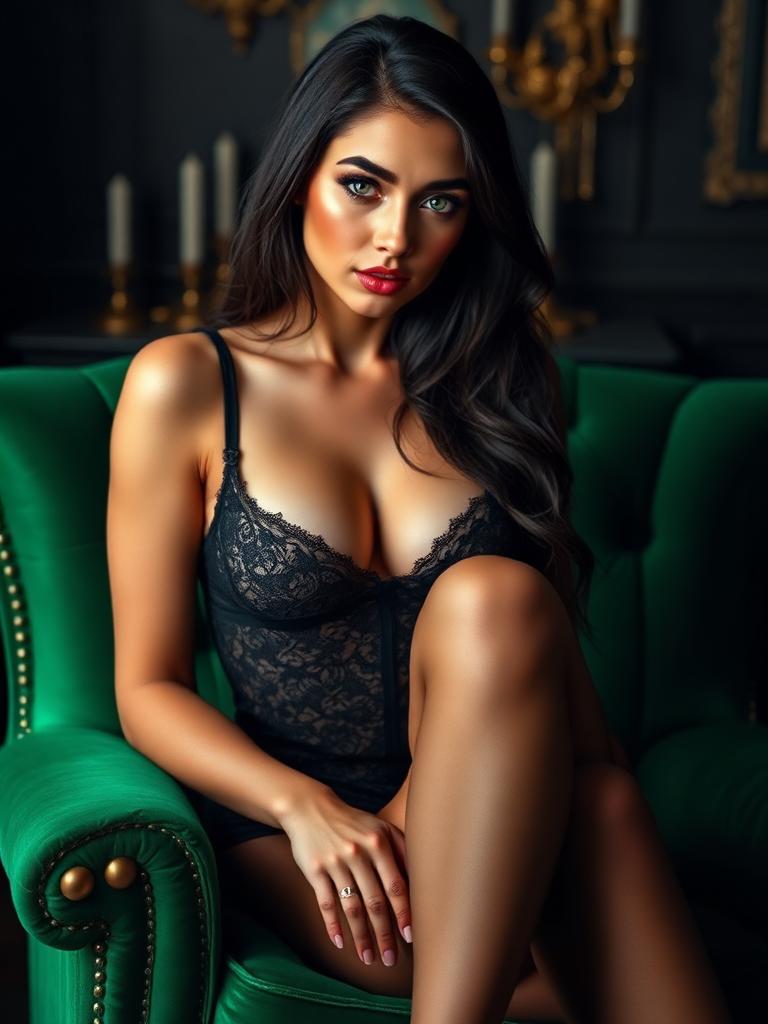
Editorial Film Glow
Transform input photo into 35mm film editorial portrait, subtle grain, golden window highlights across collarbone, natural fabric folds, preserve exact pose and face.
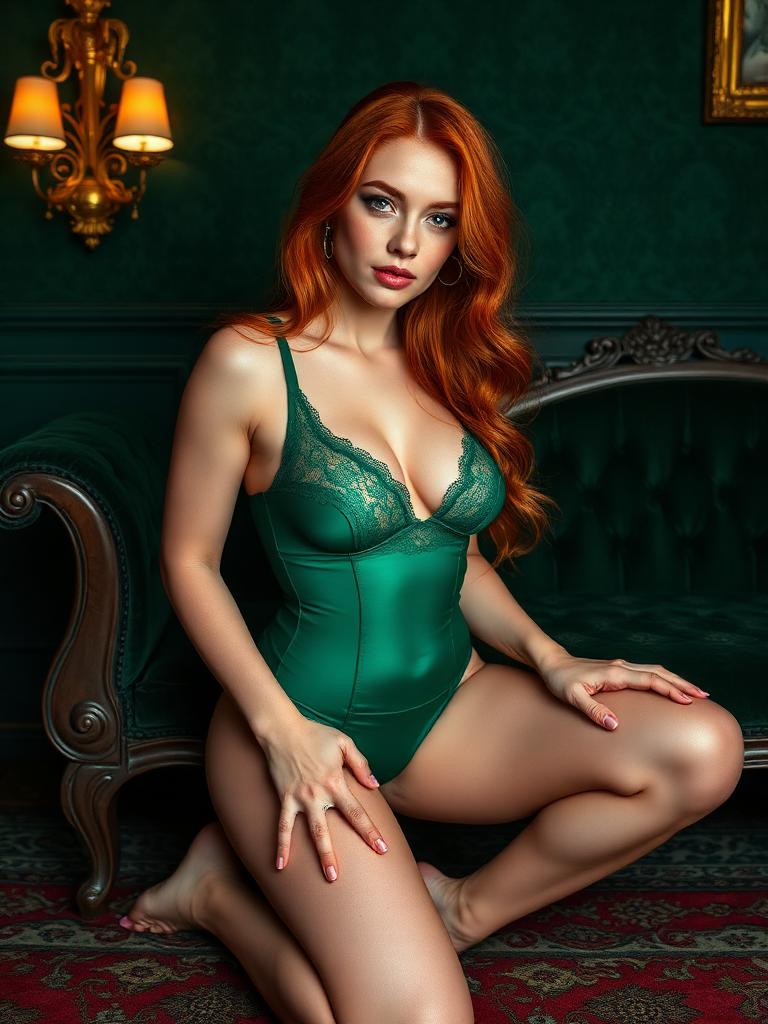
Cyberpunk Neon Relight
Keep identical facial features and posture, replace room backdrop with rain-streaked glass overlooking violet neon street signs, wet specular highlights.
Denoise Strength Guide for JoyFun AI Photo Transform
| Edit Scope | Denoise Range | Prompt Emphasis | Best Follow-Up |
|---|---|---|---|
| Skin realism & sharp upscaling | 0.25 - 0.35 | Lens crispness, natural pores, ambient warmth | Direct download or clip test |
| Outfit material & palette swap | 0.45 - 0.60 | Fabric texture, color contrast, matching shadows | Animate with image-to-video |
| Full scene restyle (anime <-> photo) | 0.65 - 0.80 | Art medium, studio atmosphere, framing anchors | Pick cleanest seed & polish |
Effective Image-to-Image Restyle Prompts
Editorial Film Glow
Transform input photo into 35mm film editorial portrait, subtle grain, golden window highlights across collarbone, natural fabric folds, preserve exact pose and face.
Cyberpunk Neon Relight
Keep identical facial features and posture, replace room backdrop with rain-streaked glass overlooking violet neon street signs, wet specular highlights.
Soft Anime to Photoreal
Convert illustrated character into lifelike studio photograph, realistic hair strands, soft catchlights in eyes, tailored evening wear, clean shallow background blur.
Frequently Asked Questions
Common questions about JoyFun AI Image to Image Generator workflows.
How is image-to-image different from text-to-image on JoyFun?
Image-to-image uses your uploaded photo as the structural blueprint for pose and framing, whereas text-to-image invents composition from scratch.
Can I turn illustrations into realistic photos?
Yes, raising denoise strength around 0.65 alongside photoreal lens descriptors converts stylized art into lifelike portraits while honoring pose lines.
Will JoyFun keep my face consistent across edits?
Moderate denoise values paired with explicit age, hair, and lighting descriptors keep facial proportions faithful to your reference upload.
Is there an uncensored image-to-image option?
JoyFun permits mature boudoir, swimwear, and adult stylistic transformations without aggressive mainstream safety blocks.
Explore Related JoyFun AI Workflows
Connect this tool cleanly with matching generators, prompt guides, and pricing.