
JoyFun AI Image to Video Generator
Turn a single portrait or character reference into smooth 5-second to 10-second clips with explicit facial expression, posture shift, and clean camera movement.
How to Run a Clean Image-to-Video Pass on JoyFun
Instead of overloading a single clip with complex plot beats, lock identity in your source still first and drive motion with one focused verb phrase.
Start With Front-Lit Framing
Upload a sharp vertical or 16:9 photo where eyes, jawline, and wardrobe edges are clear. Avoid heavy motion blur in the input frame so temporal consistency holds.
Write One Dominant Motion Verb
Pair a camera cue such as slow push-in or handheld sway with one subject beat like playful glance over shoulder or hair brush back.
Scale Resolution After Proofing
Preview fast motion drafts before spending credits on 1080p renders. Once timing clicks, save the prompt seed for multi-clip sequences.
Motion Prompt Formulas for JoyFun AI Image Animator Workflows
Creators searching joyfun ai image to video want faithful facial likeness without plastic morphing. Keeping background parallax gentle preserves hair strands and skin texture across frames.
For close-up portrait clips, anchor eye-line direction and breathing rhythm before adding wind or neon reflections. Longer 10-second exports work best when only camera dolly and upper-body tilt change together.
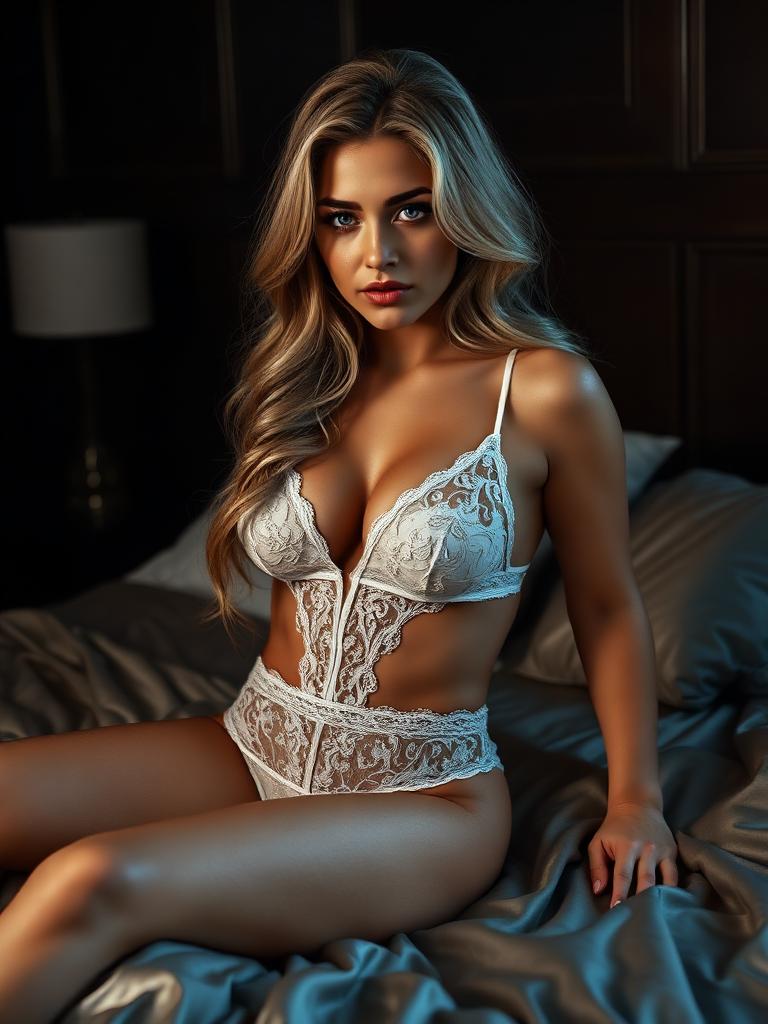
Warm Bedroom Glance
Static medium portrait, subject turns head slowly toward lens, soft genuine smile, gentle breathing motion, warm bedside lamp glow, natural skin texture, shallow depth of field.
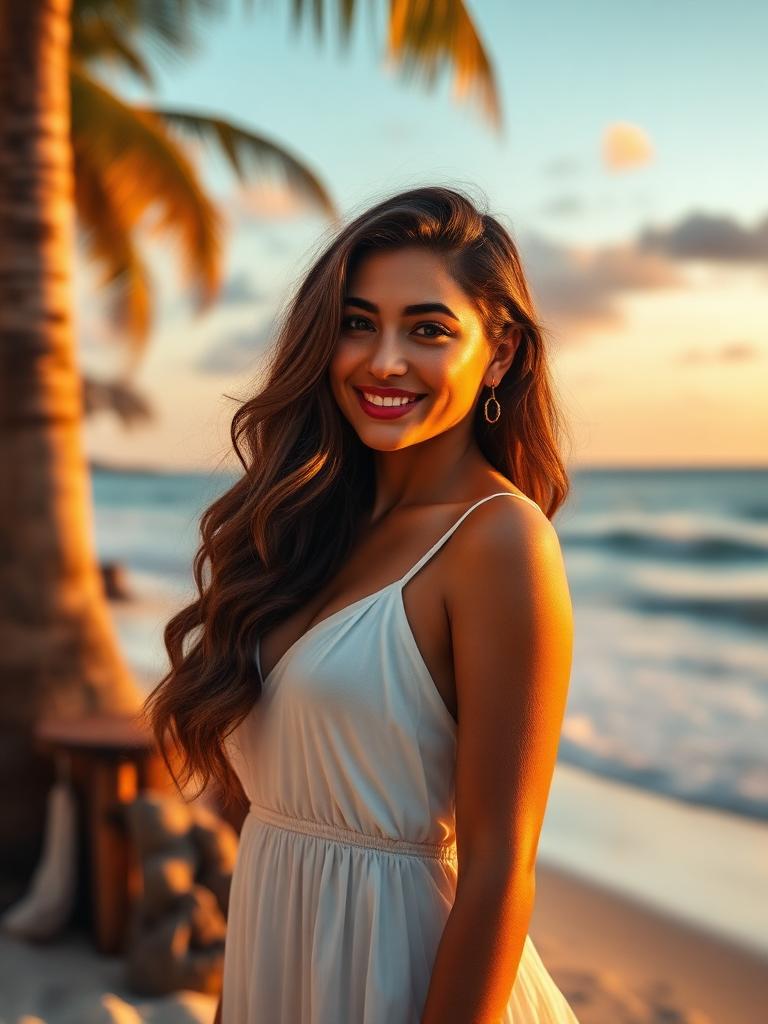
Neon Street Turn
Slow tracking push-in, woman in satin jacket glances back over her shoulder under pink rain reflections, subtle breeze lifts hair locks, crisp 24fps film cadence.
Recommended JoyFun Image-to-Video Parameter Presets
| Use Case | Aspect Ratio | Motion Strength | Target Clip |
|---|---|---|---|
| Close-up glance & smile beat | 9:16 vertical | Medium-low (stabilizes face) | 5s MP4 draft -> 1080p upscale |
| Studio outfit turn & slow pan | 3:4 portrait | Medium (smooth shoulder twist) | 6s seamless loop |
| Cinematic night-street walk | 16:9 widescreen | Medium-high with dolly tracking | 8s narrative scene |
Copy-Ready JoyFun AI 1080p Custom Prompt Examples
Warm Bedroom Glance
Static medium portrait, subject turns head slowly toward lens, soft genuine smile, gentle breathing motion, warm bedside lamp glow, natural skin texture, shallow depth of field.
Neon Street Turn
Slow tracking push-in, woman in satin jacket glances back over her shoulder under pink rain reflections, subtle breeze lifts hair locks, crisp 24fps film cadence.
Morning Window Stretch
Soft sunlit curtains fluttering behind subject sitting on edge of bed, relaxed posture shift, natural blinking and calm hand movement, photoreal lens bokeh.
Frequently Asked Questions
Common questions about JoyFun AI Image to Video Generator workflows.
What photo works best in the JoyFun AI image to video tool?
Sharp, evenly lit images where the face fills at least a quarter of the frame deliver the cleanest temporal lock without flickering contours.
Can I animate uncensored or playful character stills?
Yes. JoyFun processes private adult-friendly artwork and realistic portraits with relaxed moderation boundaries inside the user workspace.
How do I avoid limb warping during longer clips?
Limit each clip to one primary action, mention a steady camera speed like slow pan, and test facial motion at 5 seconds before extending.
Does JoyFun support 1080p image-to-video export?
Yes, once a low-cost preview confirms the motion direction, select higher resolution presets in the model bar for sharp playback.
Explore Related JoyFun AI Workflows
Connect this tool cleanly with matching generators, prompt guides, and pricing.