
JoyFun AI Face Swap Studio
Bring consistent character identity across photo shoots, style swaps, and short motion clips with smart color matching and clean edge blending.
How to Achieve Seamless Face Consistency Across Scenes
Clean swaps depend on matching head angle and light direction between your identity source and the target scene.
Upload Clear Neutral Face Source
Choose an unobstructed frontal portrait with even lighting and zero sunglasses or heavy shadows across the nose bridge.
Pair With Matching Head Angle
Use target scenes or video stills whose yaw and tilt sit within roughly 25 degrees of your identity image for tight eye-line lock.
Polish With Light & Grain Match
If the scene uses warm tungsten or neon lighting, describe matching skin bounce highlights so edges melt naturally.
Character Continuity for AI Girlfriend Stories & Video Clips
Creators building recurring virtual characters need the exact same face across beach photos, evening gowns, and short video loops. Using one canonical anchor portrait prevents identity drift between prompts.
Once your swapped still looks locked, feed it straight into JoyFun image-to-video so the character retains identity in motion.
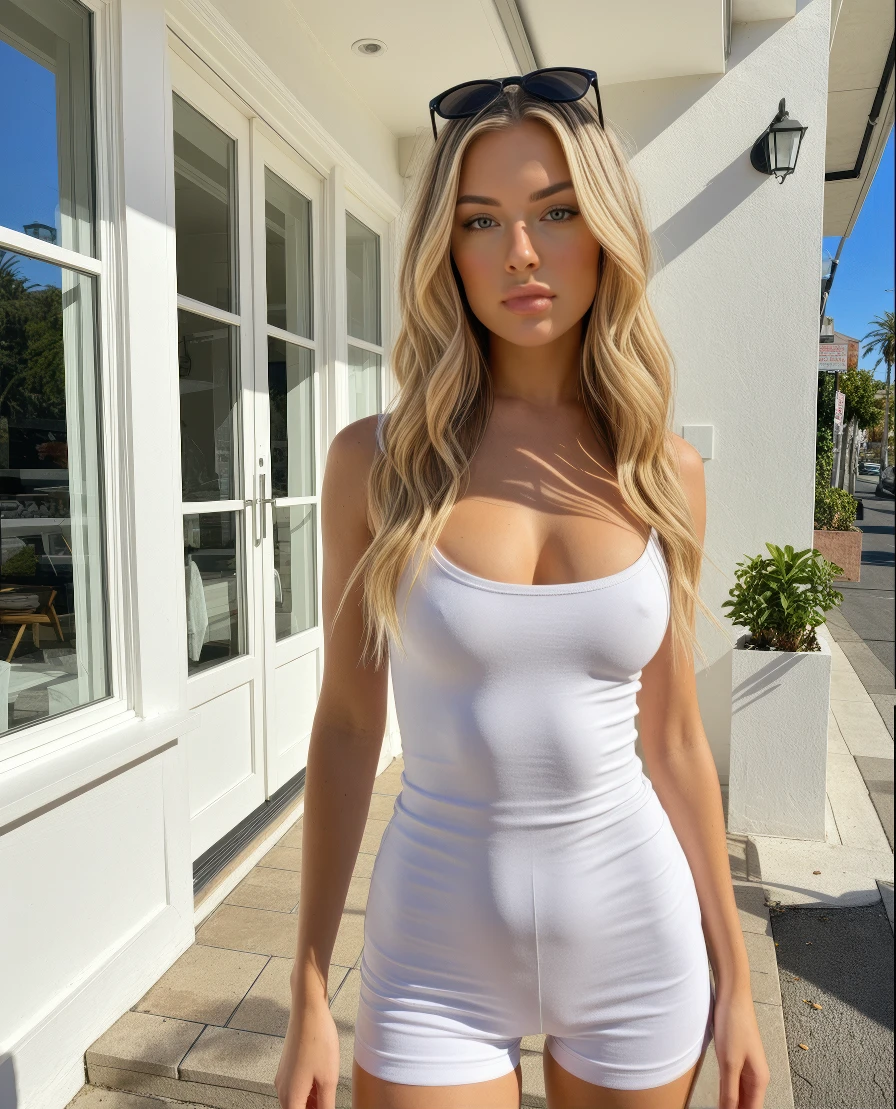
Canonical Anchor Reference
Maintain exact facial bone structure, eye spacing, and warm complexion from reference portrait; natural expression, soft studio fill, zero plastic smoothing.
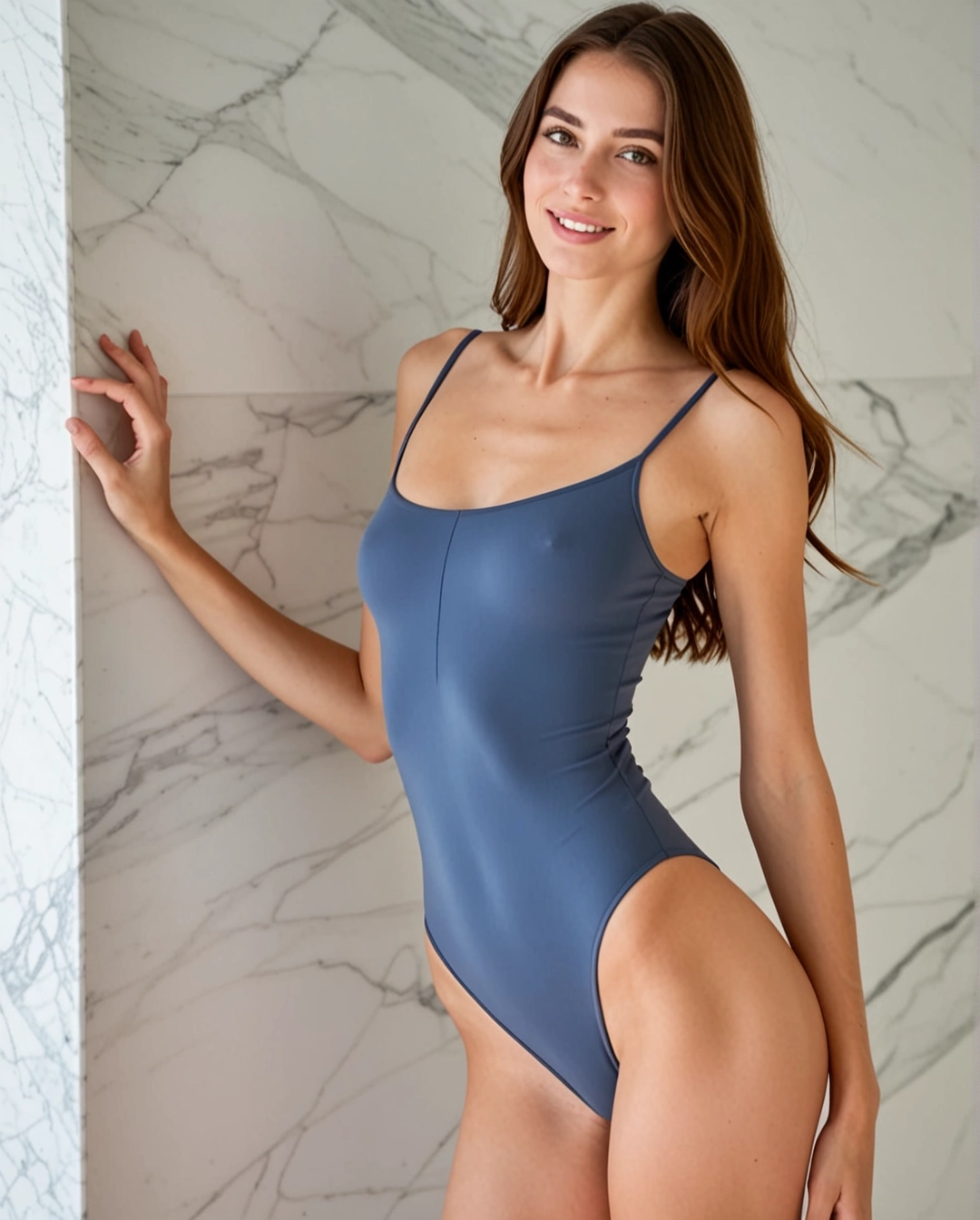
Consistent Scene Transfer
Place consistent character identity into rooftop lounge setting at twilight, silk evening top, warm city bokeh behind, natural hair shadow along temple.
Checklist for Artifact-Free Face Swaps
| Factor | What to Avoid | What Works Best |
|---|---|---|
| Source lighting | Harsh side flash / heavy bangs over eyes | Soft frontal daylight with full eyebrows visible |
| Angle difference | Profile target vs frontal source | Matched 3/4 or frontal orientation |
| Post-swap motion | Rapid spinning head turns | Gentle smile, hair tuck, slow glance |
Character Identity Anchor Prompt Guides
Canonical Anchor Reference
Maintain exact facial bone structure, eye spacing, and warm complexion from reference portrait; natural expression, soft studio fill, zero plastic smoothing.
Consistent Scene Transfer
Place consistent character identity into rooftop lounge setting at twilight, silk evening top, warm city bokeh behind, natural hair shadow along temple.
Natural Smile Animation Prep
Front-facing three-quarter angle matching identity portrait, clear jawline separation from neck, soft film tone ready for 5s video loop.
Frequently Asked Questions
Common questions about JoyFun AI Face Swap Studio workflows.
What makes a face swap look unnatural and how does JoyFun fix it?
Mismatched skin color temperature and blur along the jawline give away cheap swaps. Keeping lighting cues consistent blends pores and shadows cleanly.
Can I use one character face across both photos and videos?
Yes—create or swap the character portrait first, then animate that exact still inside the JoyFun video generator for unbroken identity.
Does JoyFun work for mature fictional character swaps?
Yes, consenting adult fictional roleplay, cosplay, and private glamour sets are supported without arbitrary censorship drops.
What resolution should my source face photo be?
At least 512px across the face with sharp focus on eyelashes and lips ensures clean texture transfer.
Explore Related JoyFun AI Workflows
Connect this tool cleanly with matching generators, prompt guides, and pricing.