
JoyFun AI Text to Image Generator
Create sharp original character art, photoreal portraits, and concept frames from scratch—designed as clean source stills or standalone artwork.
Structured Prompting for Sharp Text-to-Image Results
Instead of dumping vague buzzwords like "masterpiece 8k", order your text-to-image prompt from subject identity -> pose -> wardrobe -> camera & light.
Define Subject & Framing
Open with camera distance (close-up, medium thigh-up, full body) plus hair, ethnicity, expression, and age traits (always adult).
Add Setting & Lighting Cues
Ground your character inside a real room, neon street, or sunlit terrace with directional lighting like softbox, sunset rim, or candle warmth.
Pick Aesthetics Without Overstuffing
Choose photographic film or soft anime rendering cleanly so different style tags do not fight each other.
Built as the Foundation for Both Art & Video Motion
Users looking for joyfun ai text to image generator or joyfun ai art creator often chain image generation straight into video motion. Leaving headroom and clear limb separation makes later animation twice as smooth.
Switch between photoreal skin-detail checkpoints and expressive stylized engines right from the model selector above.
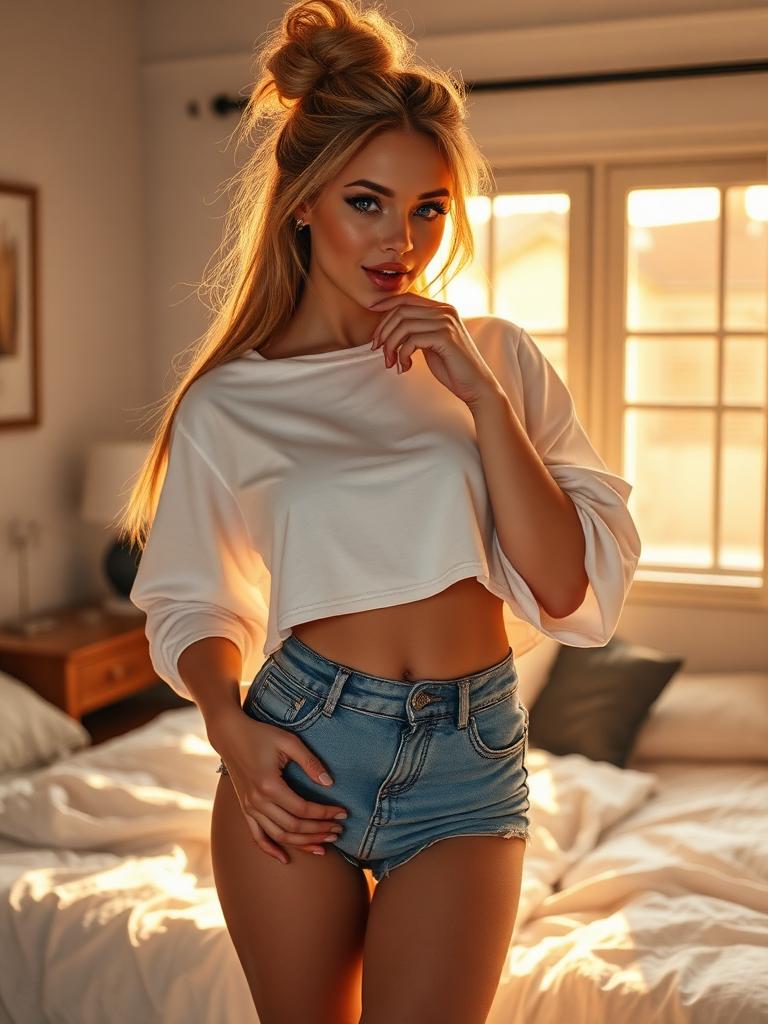
Candid Cafe Portrait
Candid 35mm photograph of a young woman sitting by rain-dotted window inside cozy evening cafe, warm espresso glow on cheekbones, soft natural makeup, relaxed grin.
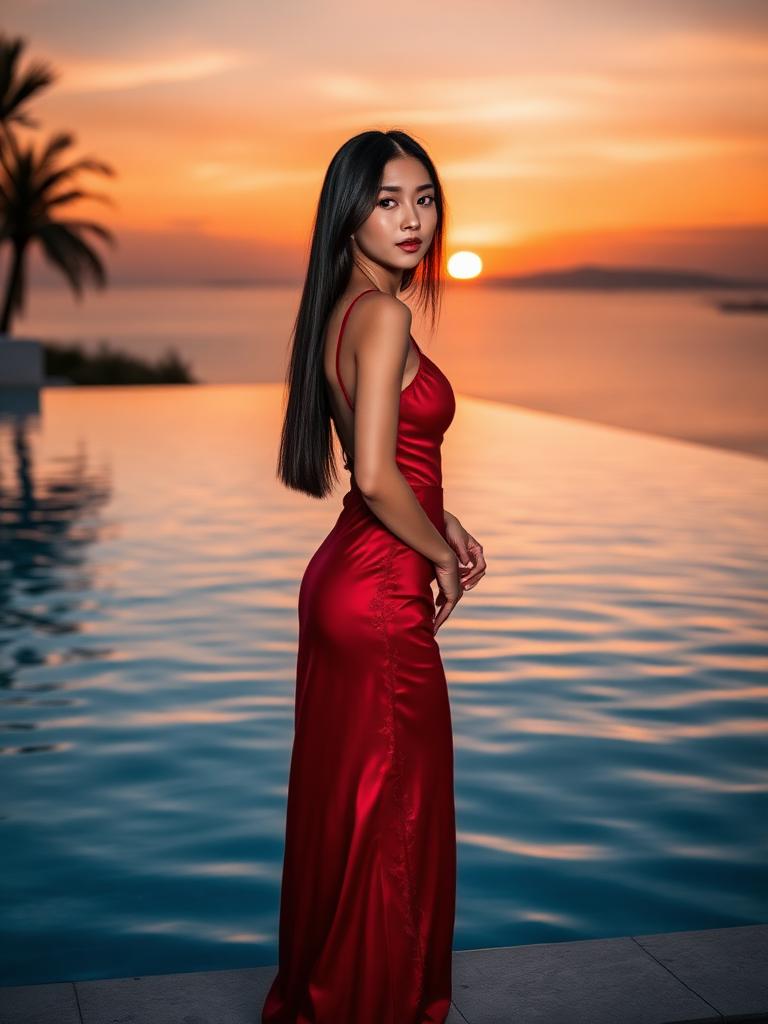
Velvet Studio Glam
High-fashion editorial portrait, sleek silver evening dress, deep burgundy velvet curtain background, soft key light, crisp skin pores and sparkling eye catchlight.
Text-to-Image Prompt Order Blueprint
| Slot | What to Write | Example Phrase |
|---|---|---|
| 1. Camera & Subject | Framing + adult character identity | Medium portrait of 25yo brunette woman, playful smile |
| 2. Pose & Action | Hand & posture specifics | Leaning casually against balcony rail, looking at viewer |
| 3. Wardrobe & Texture | Exact clothing materials | Emerald silk camisole, delicate gold necklace |
| 4. Light & Lens | Color temperature & bokeh | Golden sunset rim light, 85mm f/1.8 shallow blur |
Ready-to-Run Text-to-Image Starters
Candid Cafe Portrait
Candid 35mm photograph of a young woman sitting by rain-dotted window inside cozy evening cafe, warm espresso glow on cheekbones, soft natural makeup, relaxed grin.
Velvet Studio Glam
High-fashion editorial portrait, sleek silver evening dress, deep burgundy velvet curtain background, soft key light, crisp skin pores and sparkling eye catchlight.
Anime Neon Rooftop
Detailed modern anime illustration, girl in oversized varsity jacket standing on Tokyo rooftop at dusk, pastel purple sky, wind-swept bangs, glowing city lights below.
Frequently Asked Questions
Common questions about JoyFun AI Text to Image Generator workflows.
Can JoyFun generate both photorealistic humans and anime characters?
Yes. Selecting different image models in the workbench switches smoothly between lifelike photography and crisp anime styles.
Are adult or edgy artistic themes permitted in text-to-image?
JoyFun supports unrestricted creative writing for adult fictional art, pinups, and boudoir portraits while enforcing strict safety rules against minors.
How do I generate a clean still ready for video animation?
Avoid tightly cropped faces or hidden hands; medium shots with clear shoulder space animate cleanly when passed into image-to-video.
Can I reuse the same seed aesthetic for another outfit?
Keep your lighting, lens, and facial description constants unchanged and swap only the wardrobe phrase between runs.
Explore Related JoyFun AI Workflows
Connect this tool cleanly with matching generators, prompt guides, and pricing.